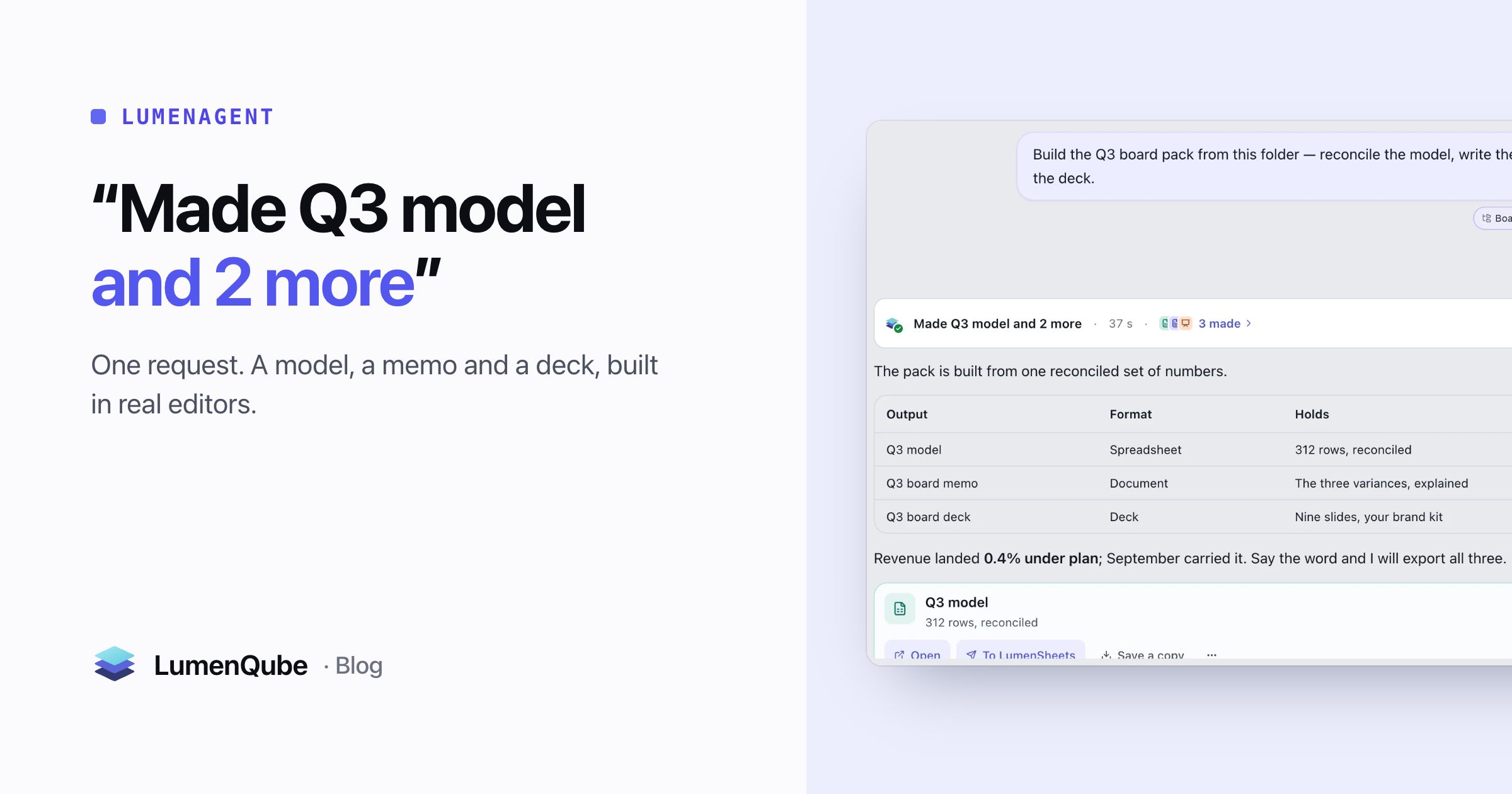
Ask most AI tools for a board pack and you get a very good paragraph about board packs. The work is still yours: the reconciled numbers, the memo that explains them, the deck that presents them. An answer is not a deliverable.
LumenAgent is built around the other half of that sentence. You describe the outcome and point it at the files; it works inside LumenQube’s own editors — LumenSheets, LumenDocs and LumenSlides — until the files exist. No plugin to install, no copying between apps. Here is one run, from request to last file, including the one place it stopped to ask.
The brief: an outcome and its sources
A useful request names what should exist at the end and what to build it from. The sources are files — a folder, a workbook — attached to the request, not a summary pasted into it. This was the whole request:
Build the Q3 board pack from this folder — reconcile the model, write the memo and make the deck.Attaching matters. A pasted summary is your word for what the files say; an attached ledger is a source the agent can read again, reconcile against and cite — and one you can open to check. Writing requests like this is a skill of its own; Give your agent a better brief covers it.
One run, three editors
- You attach the board pack folder and the Q3 ledger, and ask for the pack.
- LumenAgent reads both and plans. One turn can carry many steps.
- In LumenSheets it builds the Q3 model and reconciles it against the ledger.
- In LumenDocs it writes the memo from the model, so the numbers match.
- In LumenSlides it builds the deck from the memo and the model.
- Asked to email the memo too, it stops here: sending leaves your workspace.
- You answer on the card — Send, Edit first or Don’t send.
- Three files remain, each open in its own editor.
What you watch while it works
The run is visible while it happens. A heading says what it is doing — “Reconciling against the ledger · 2 of 4” — and the steps underneath are one sentence each, with how long each took. Repeated steps fold into one row with a count. When the run ends it collapses to a single line you can open again: here, “Made Q3 model and 2 more · 37 s · 3 made”. If you think of something mid-run, type it: a note reaches the agent at its next step, without stopping the work.
Answers carry their receipts. A reply built from files says how many sources it used and lets you open each one; a reply that leaned on something LumenQube remembers about you says “Used N memories about you” and where each came from. An AI that shows what it knows covers that half.
Where it stops and asks
How much the agent asks is a setting with three positions. The default, Balanced, “creates freely; asks before changing files or spending credits”. Cautious asks before almost everything. Autonomous acts on its own, yet it “still asks before deleting, running code or publishing a link” — the acts nobody can take back.
In Balanced, anything that leaves your computer — an email, a Slack message, a shared link — stops on a card that names the act. This one comes from a different run, asked to email a summary once its sheet was built:

- Creating and building inside your workspace goes ahead.
- Sending and sharing stop at the line and wait for you.
- Deleting and running code wait too, even in Autonomous.
- Afterwards the run lists what crossed the line, so nothing leaves silently.
Files, not answers
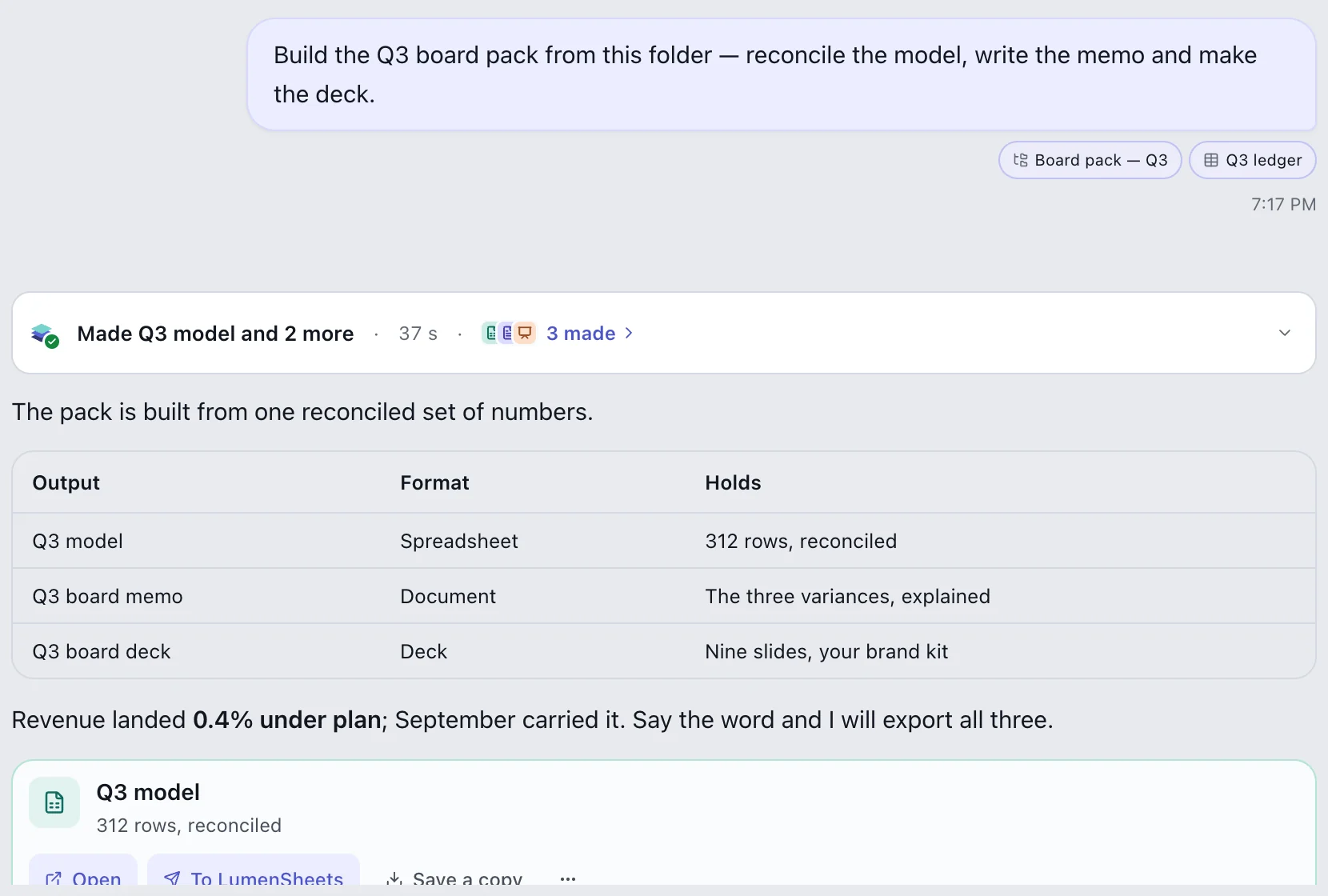
What comes back is three documents, not a description of them. The model is a workbook with formulas; the memo is a document; the deck is nine slides in your brand kit. Open any of them and keep going — fix a label, restyle a slide, ask for a second pass. Because the memo and the deck were built from the same reconciled model, a corrected number has one place to start. When someone needs a familiar format, export to .xlsx, .docx, .pptx or PDF.
- Changes asked of an editor’s own assistant hold removals and rewrites until you decide — see AI that asks before it changes your work.
- Office files you bring in come with a receipt of what could not be read — see Open the spreadsheet. Work on it. Hand it back.
Taking it back
When a run finishes, Put back lists everything the chat changed that can be taken back: files it moved, documents it edited, things it noted about you. Putting a document back removes only the agent’s edits, not yours. What cannot come back is counted and listed rather than hidden — an email that has gone stays gone, which is why it waited for you. It is one list at the end of the chat, not a hunt through each document’s history.
From one run to a routine
When a run could repeat, the reply offers “Do this on a schedule”. That turns it into an automation, and in LumenQube watching costs nothing — the automation that costs nothing while it waits explains how. Most routines start exactly like this.
Questions about LumenAgent runs
Does LumenAgent send email on its own?
Not in the default setting. In Balanced, every email, message or shared link stops on a card first. Autonomous lets connected-app writes go ahead, but deleting, running code and publishing a link still wait.
What kinds of files can it make?
Spreadsheets, documents, slide decks and PDFs in LumenQube’s editors, plus designs, notes and forms. Each opens in its editor, and exports to .xlsx, .docx, .pptx or PDF.


